As you know, TOUMEI projector with 2G RAM and 32G ROM, You can put the PowerPoint file in the projector, you just need to take the projector to where you stay, open the file directly on projector.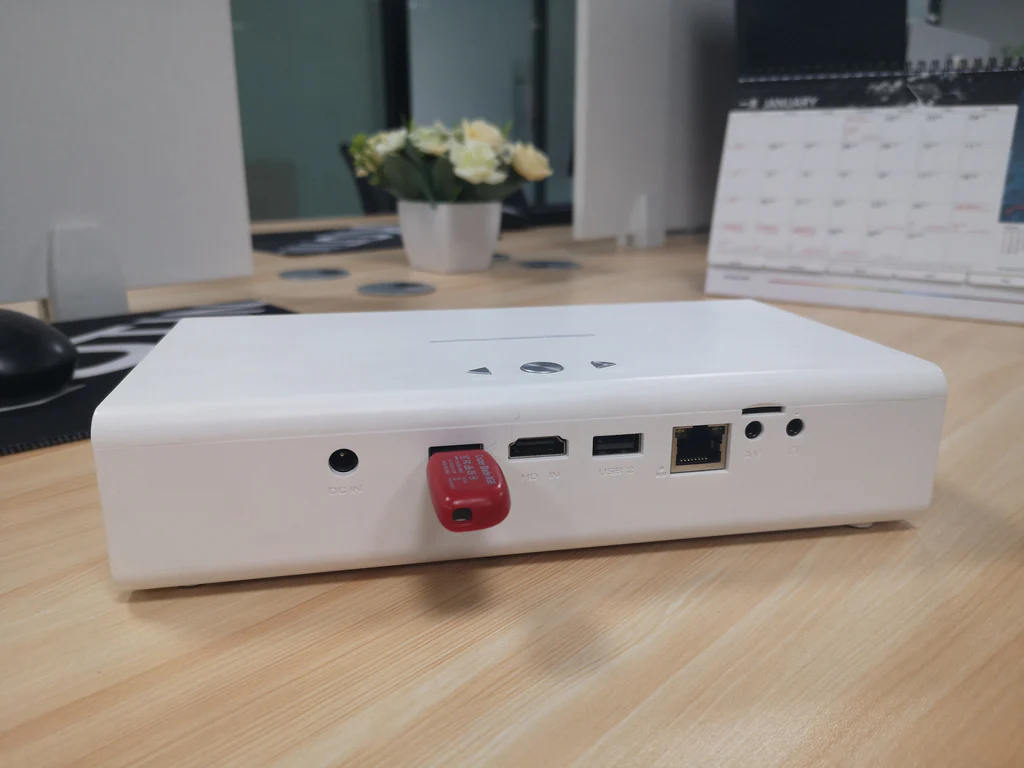
You may like to put the PowerPoint file in the USB flash disk or SD card. When you need to play it on a projector, you just need to insert the USB flash disk or SD card into the projector, open it directly on the projector.
If you forget to put the PowerPoint file in the projector or USB flash disk or SD Card, you may have the file in your cellphone or your email box or your Google drive. Don’t worry, you can play it on the projector in the following three ways.
A) You have the file on Google drive, Download Google drive and install on your projector. Open your file directly on your projector.
B)Mirror the screen of your cellphone to the projector via Airplay or Miracast. Open the PowerPoint file on your phone directly. You can see the file on the screen of the projector too.

C)If you have WPS on your phone and have a WPS Projector on a projector. You can click the WPS projector on a projector, scan the QR code by WPS of your cellphone, then choose the PowerPoint file which you want to play.
So easy to play a PowerPoint file on Android Projector.
If you Want to get more information about projector please click:
If you want to contact us,
please send a message to Whatsapp +86 177 0402 3262
Please send email to janet@sztoumei.com